Appearance
Exploring Market Data
The Markets tab on the Overview dashboard and the Markets section in Resources both give you access to live and historical price data for a wide range of global assets, without requiring those assets to be in your portfolio.
Markets Tab (Overview)
The Markets tab within the Overview section shows current price data for major market indices, ETFs, and other benchmarks. It provides a quick snapshot of what global markets are doing at any given moment.
You can use this tab to:
- Check how major indices (e.g., S&P 500, FTSE All-World) are performing today
- Understand the broader market context for your own portfolio's daily movements
Markets Page (Resources)
The Markets link in the Resources section leads to a more comprehensive market data explorer. Here you can search for specific tickers, view price history, and explore metrics for thousands of assets tracked by Ghostfolio's data providers.
To reach the Markets page: click Resources [2] in the top navigation, then click Explore Markets.
Resources Page Overview
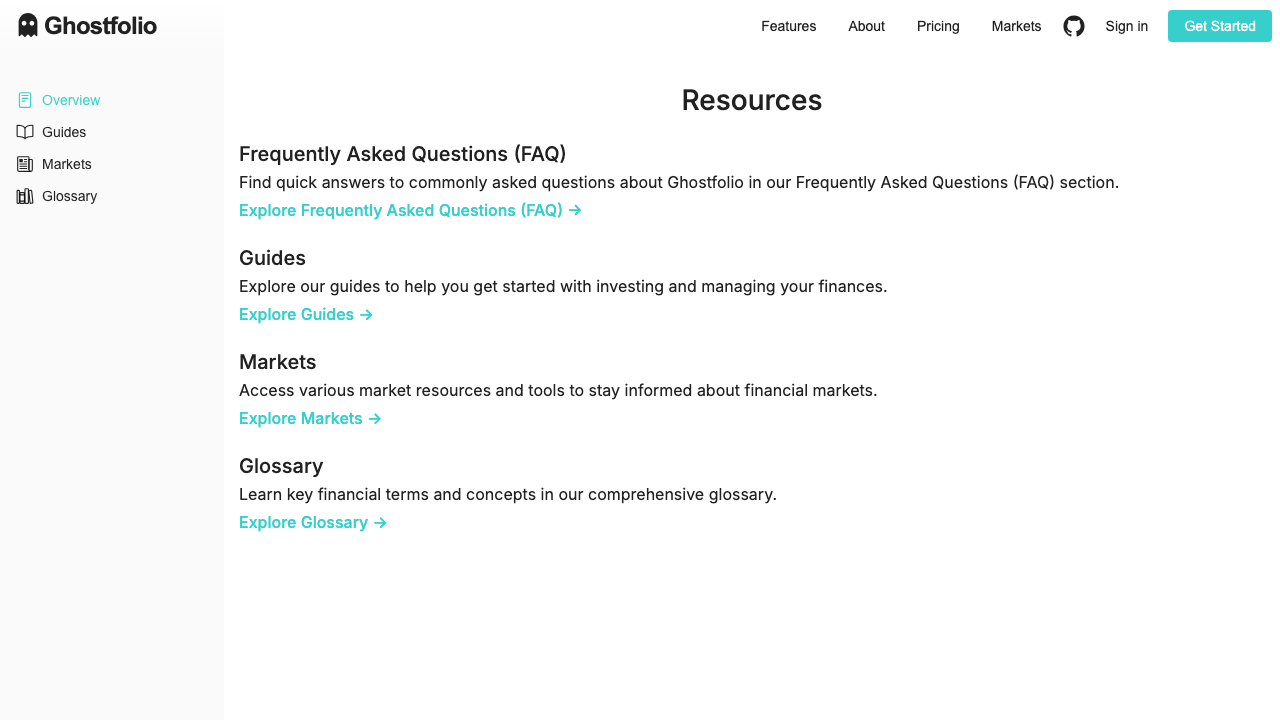
The Resources page [1] acts as a hub for learning more about Ghostfolio and managing your knowledge:
- FAQ — answers to common questions about data sources, privacy, and features
- Guides — step-by-step walkthroughs for setting up accounts and importing transactions
- Markets — live and historical market data for thousands of securities
- Glossary — definitions of financial terms used throughout the app
All resource sections are accessible from the Resources page by clicking the corresponding Explore → links.