Appearance
Getting Started with Ghostfolio
Ghostfolio is an open-source wealth management application that brings all your financial assets together in one place. Whether you track stocks, ETFs, cryptocurrencies, or cash positions, Ghostfolio gives you a clear picture of your net worth and portfolio performance.
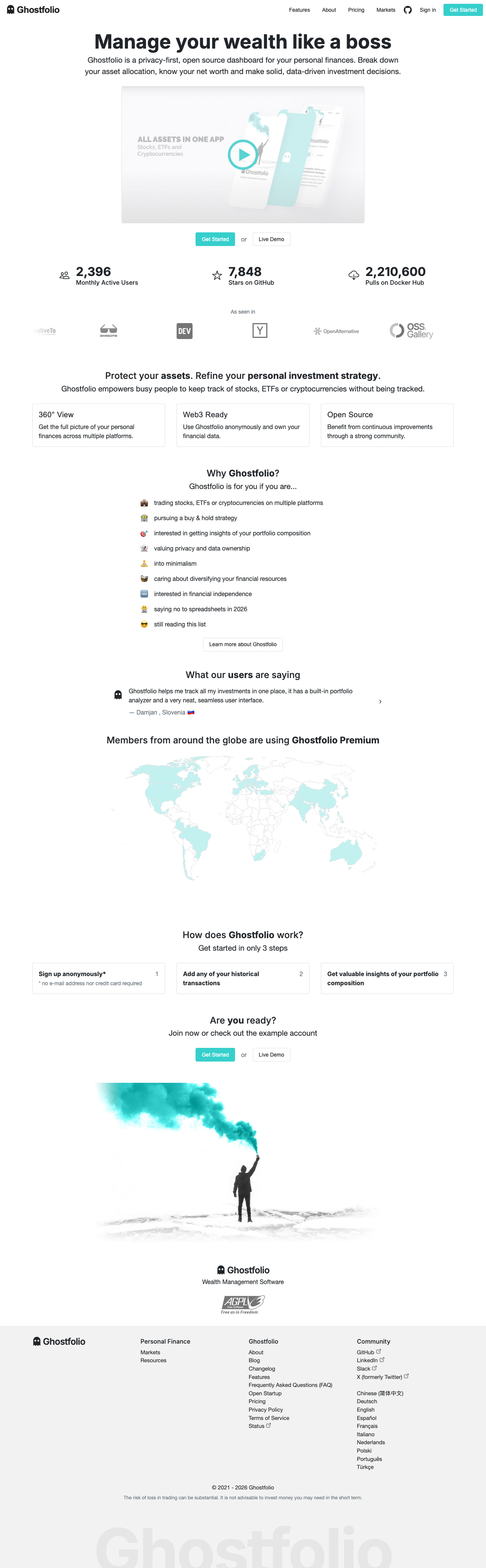
Accessing the App
To use Ghostfolio, you need an account on a Ghostfolio instance — either the hosted service at ghostfol.io or a self-hosted installation. Once logged in, you land on the Overview dashboard [1].
The navigation bar [2] at the top provides access to the core sections:
- Overview — your main dashboard with portfolio tabs
- Portfolio — in-depth performance analysis
- Accounts — manage your brokerage and bank accounts
- Resources — guides, FAQ, and market data
The Overview Dashboard
The Overview page is your home base. It shows your total portfolio value, daily change in absolute and percentage terms, and contains five tabs for different views:
- Overview — a summary chart of your portfolio value over time
- Holdings — list of all positions with values and performance
- Summary — key statistics: investment total, returns, net worth
- Watchlist — assets you are monitoring but haven't purchased yet
- Markets — live market data for major indices and assets
Exploring the Live Demo
If you want to explore Ghostfolio before creating an account, the live demo at ghostfol.io/en/demo [3] provides a pre-populated portfolio with real market data. The demo gives you full access to all features without entering any credentials.